🌍 Sprachen: 🇺🇸 English | 🇩🇪 Deutsch
A custom Nextcloud app that removes the header bar per app — optionally only when launched from a home screen shortcut on iOS or Android. ⚡





🌐 Language note: The app interface is currently German only. An English translation / in-app language switch is in the works.
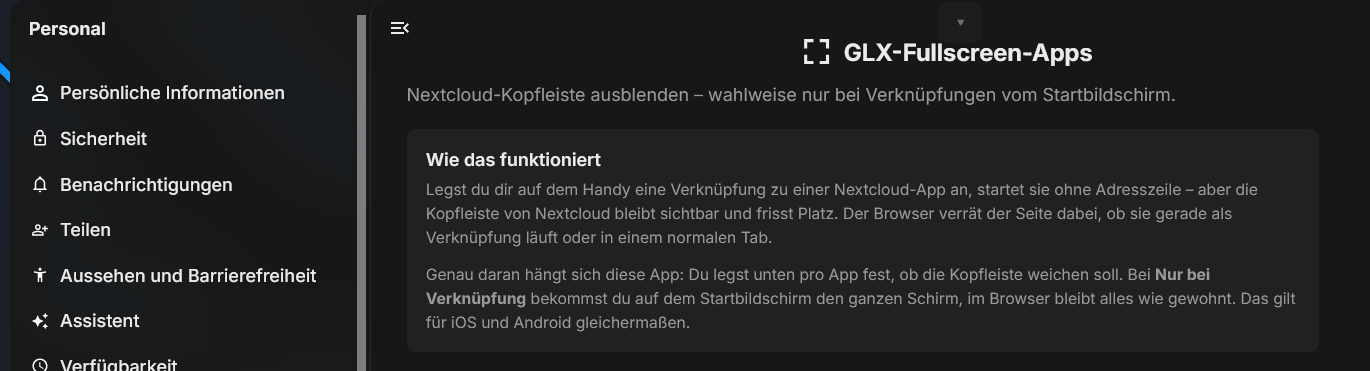
When you add a Nextcloud app to your phone's home screen, it opens without the address bar — almost like a native app. But Nextcloud's own header bar stays visible and eats valuable space on a small screen.
That is exactly where this app steps in. You decide per app whether the header should get out of the way. On the home screen you get the full screen; in a regular browser tab everything stays as it was. 🎯
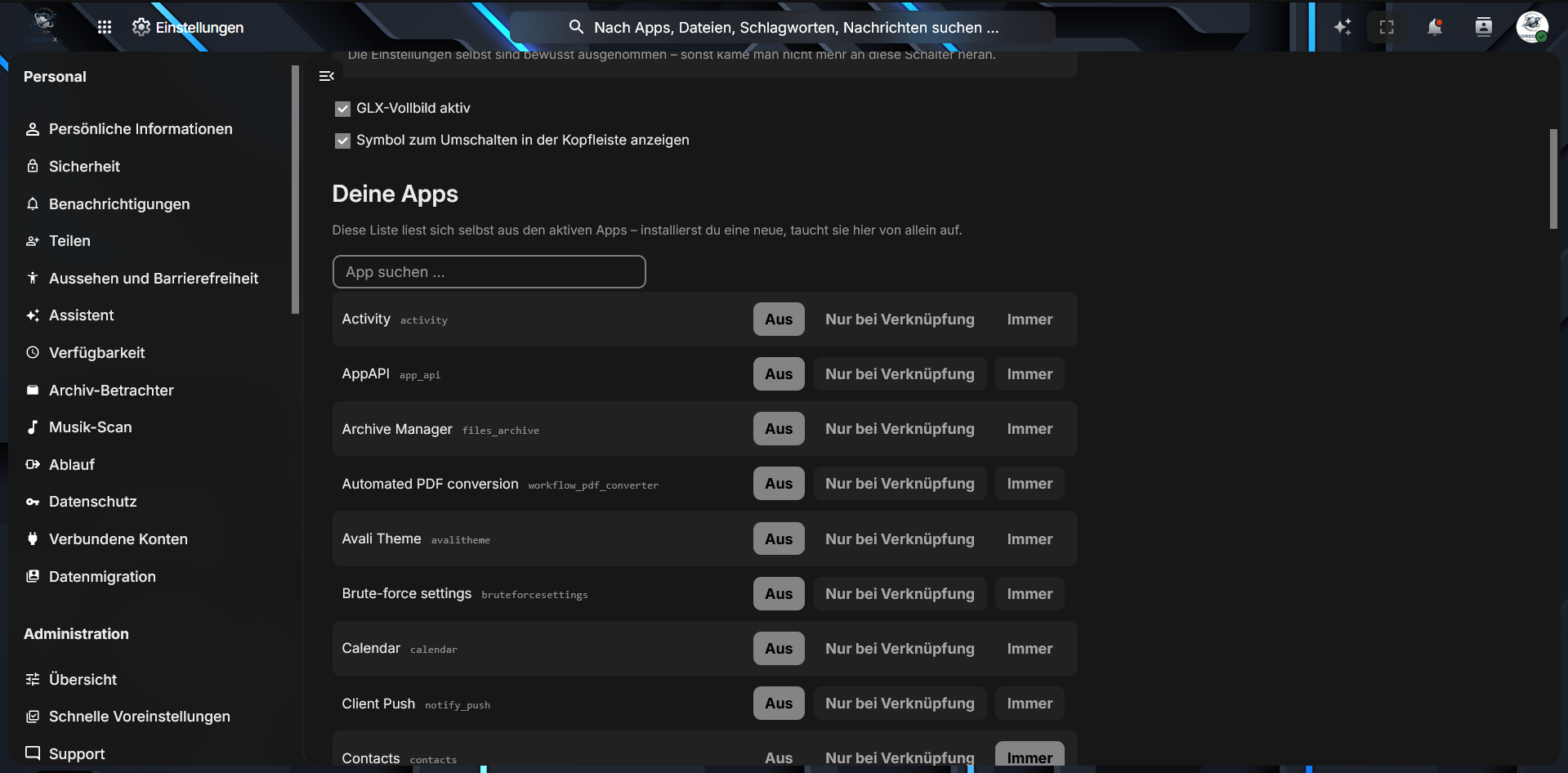
Two main switches at the top, then every enabled app with its own three-way selector. The list reads itself from your active apps — install a new one and it shows up here on its own. A search box keeps things manageable once you have two dozen apps. ⚙️
While the header is hidden, a slim tab with an arrow sits at the top edge. One tap brings the bar back, another sends it away again. No dead ends. ↩️
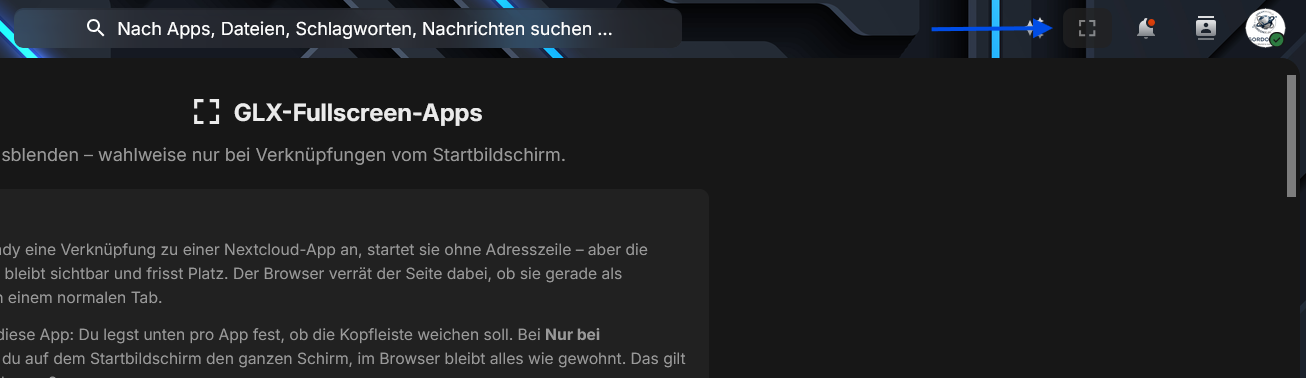
An optional fullscreen icon next to search and notifications lets you hide the bar even in apps that are not configured to hide it. 🔘
- 📱 Fullscreen on Mobile: No header bar in the way — works on iOS and Android alike.
- ⚙️ Per-App Configuration: Every app gets its own mode. Radio fullscreen, Files as usual — your call.
- 🔀 Three Modes: Off, Shortcut only, or Always.
- 🔎 Self-Updating App List: Reads your enabled apps directly — new installations appear automatically.
- ↩️ Always a Way Back: A slim tab at the top edge returns the header bar at any time.
- 🔘 Optional Header Icon: Toggle fullscreen on the spot, in any app.
- 🛡️ Self-Protection: Settings pages are never hidden — you cannot lock yourself out.
- 🪶 No Baggage: Plain PHP and lean JavaScript. No build step, no third-party packages.
| Mode | What happens |
|---|---|
| ⭕ Off | The header bar stays visible. Default for every app. |
| 📲 Shortcut only | Fullscreen only when launched from a home screen shortcut. A normal browser tab is untouched. |
| 🔒 Always | The header bar is hidden everywhere, desktop included. |
💡 Shortcut only fits most cases: full screen on your phone, business as usual on your desktop.
Open Settings → Administration → GLX-Fullscreen-Apps.
- ☑️ Turn on GLX-Vollbild aktiv — the master switch.
- 🔘 Optionally enable the toggle icon in the header bar.
- 📋 Scroll to Deine Apps and pick a mode for each app. Saved instantly, no submit button.
- 📲 On your phone: open the app, use Share → Add to Home Screen, then set that app to Nur bei Verknüpfung.
- 🎉 Launch the shortcut — the header bar is gone.
The browser tells the page whether it is running as a shortcut or in a regular tab. This app asks in two ways — navigator.standalone for iOS and display-mode for Android — because iOS does not answer the second one reliably. 🕵️
If the mode matches, a marker is added to the page body that hides the header. The stored header height is set to zero as well: Nextcloud calculates its content height from that value, and skipping this step would leave an empty gap at the top. 📐
- ☁️ Nextcloud (compatible with recent major versions)
- 🐘 PHP 8.0 or higher
- 📦 No further dependencies
- ⬇️ Download or clone this repository into your Nextcloud
apps/directory. - 📁 Make sure the folder is named exactly
glxfullscreen. - 🖱️ Enable the app through your Nextcloud Administrator panel.
⚠️ Watch the folder name. With any other name Nextcloud looks for the app in the App Store and fails with "Could not download app".
👉 GLX-Fullscreen-Apps on gordonx.de — description, screenshots and download.
This project is licensed under the AGPL-3.0-or-later license. See the LICENSE file for details.
Made with ❤️ by Dreamdancer100