A lightweight coding agent built on Apple's MLX framework.
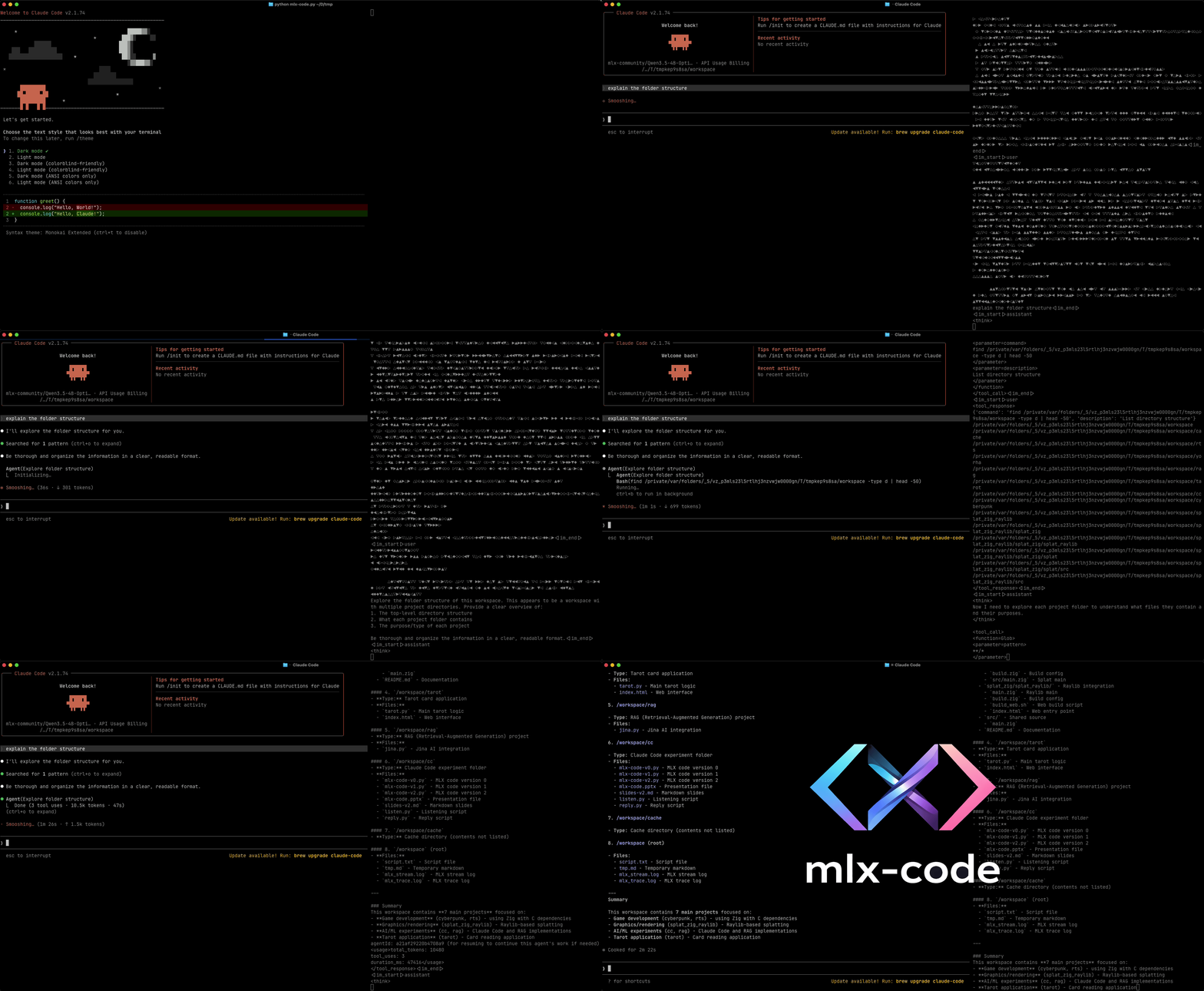
- Composable by design:
Agent,Tool, and the REPL are separate pieces you can import and wire together however you like - Swappable backends: point the harness at the local MLX server, a remote provider, or any OpenAI-compatible endpoint without changing anything else
- Git worktree isolation: every session gets a fresh worktree so the agent can't silently corrupt your working tree
- 9 built-in tools:
Read,Write,Edit,Bash,Grep,Find,Ls,Skill,Agent - Interactive REPL commands:
/clear,/history,/tools,/branch,/abort
pip install mlx-code[all]
mlxcStarts the MLX inference server and launches a harness against it.
# Default: local MLX server + built-in REPL harness
mlxc

# Use a different harness (routes traffic through the local server)
mlxc --leash claude
mlxc --leash gemini
mlxc --leash codex

# Server only, no harness
mlxc --leash none

# Specify a model
mlxc --model mlx-community/Qwen3.5-4B-OptiQ-4bit

# Restrict the tools available to the agent
mlxc --tools Read Write Bash

# Custom system prompt
mlxc --system "You are a helpful assistant."

# Load skills from a directory (scans recursively for SKILL.md files)
mlxc --skill ./my-skills

# Resume a previous session from a git commit hash
mlxc --resume <commit-hash>

# Because `mlxc` reads from stdin when it isn't a TTY, it composes naturally with shell pipes:
echo "explain lsp.py" | mlxc -d | cat - PLAN.md | mlxcRuns the agent harness against an already-running server or a remote provider.
# Connect to a local server at 127.0.0.1:8000 (default)
mlxc-run

# Remote providers
mlxc-run --api claude
mlxc-run --api gemini
mlxc-run --api deepseek --model deepseek-v4-pro
mlxc-run --api codex

# Custom endpoint
mlxc-run --url http://localhost:9000

# With skills
mlxc-run --skill ./my-skillsImport the pieces you need to build background workers, scheduled jobs, or event-triggered handlers.
import asyncio
from mlx_code.repl import Agent

async def main():
    agent = Agent(system="You are a concise technical writer.")
    await agent.run("Summarise all *.py files changed in the last 7 days. Save to digest.md.")

asyncio.run(main())import asyncio
from mlx_code.repl import Agent
async def main():
researcher = Agent(system="You are a research assistant.")
await researcher.run("Research PBFT consensus. Save a structured summary to kb/draft.md.")
reviewer = Agent(system="You are a critical reviewer.")
await reviewer.run(
"Read kb/draft.md. Write a one-paragraph critique to kb/critique.md. "
"Use only information in that file."
)
asyncio.run(main())import asyncio
from mlx_code.repl import Agent
async def main():
topics = ["history", "algorithms", "industry_usage"]
agents = [Agent() for _ in topics]
await asyncio.gather(*[
a.run(f"Research the {t} of Byzantine Fault Tolerance. Save to kb/{t}.md.")
for a, t in zip(agents, topics)
])
reducer = Agent()
await reducer.run("Read all files in kb/. Synthesise into final_report.md.")
asyncio.run(main())mlx-code stores the full conversation as JSON in each commit message, so you can restore both the workspace state and the agent's memory from any checkpoint.
import asyncio
from mlx_code.gits import resume_worktree
from mlx_code.repl import Agent, repl

async def main():
    gwt, messages = resume_worktree(".", "abc1234")
    agent = Agent(ctx={"gwt": gwt})
    agent.messages = messages
    await repl(agent)

asyncio.run(main())Subclass Tool, define a Pydantic schema, and pass the class at instantiation.
from mlx_code.tools import Tool
from mlx_code.repl import Agent
from pydantic import BaseModel, Field

class QueryParams(BaseModel):
    query: str = Field(description="SQL query to run")

class LiveDBTool(Tool):
    name = "QueryDB"
    description = "Execute a query against the dev database"
    parameters = QueryParams

    async def execute(self, params: QueryParams, signal=None) -> dict:
        result = run_query(params.query)   # your logic here
        return {"content": [{"type": "text", "text": result}], "is_error": False}

agent = Agent(extra_tool_classes=[LiveDBTool], tool_names=["QueryDB"])Built on mlx and mlx-lm. Inspired by Mario Zechner's pi.
Apache License 2.0: see LICENSE for details.